 GlucoSpike AI
 · Chai
GlucoSpike October Release: Menu Scanning, AI Chat Upgrades, and Smarter Meal Logging
Our October release introduces restaurant menu photo scanning with top 3 dish recommendations, location-based ordering ideas, and streamlined AI chat logging.
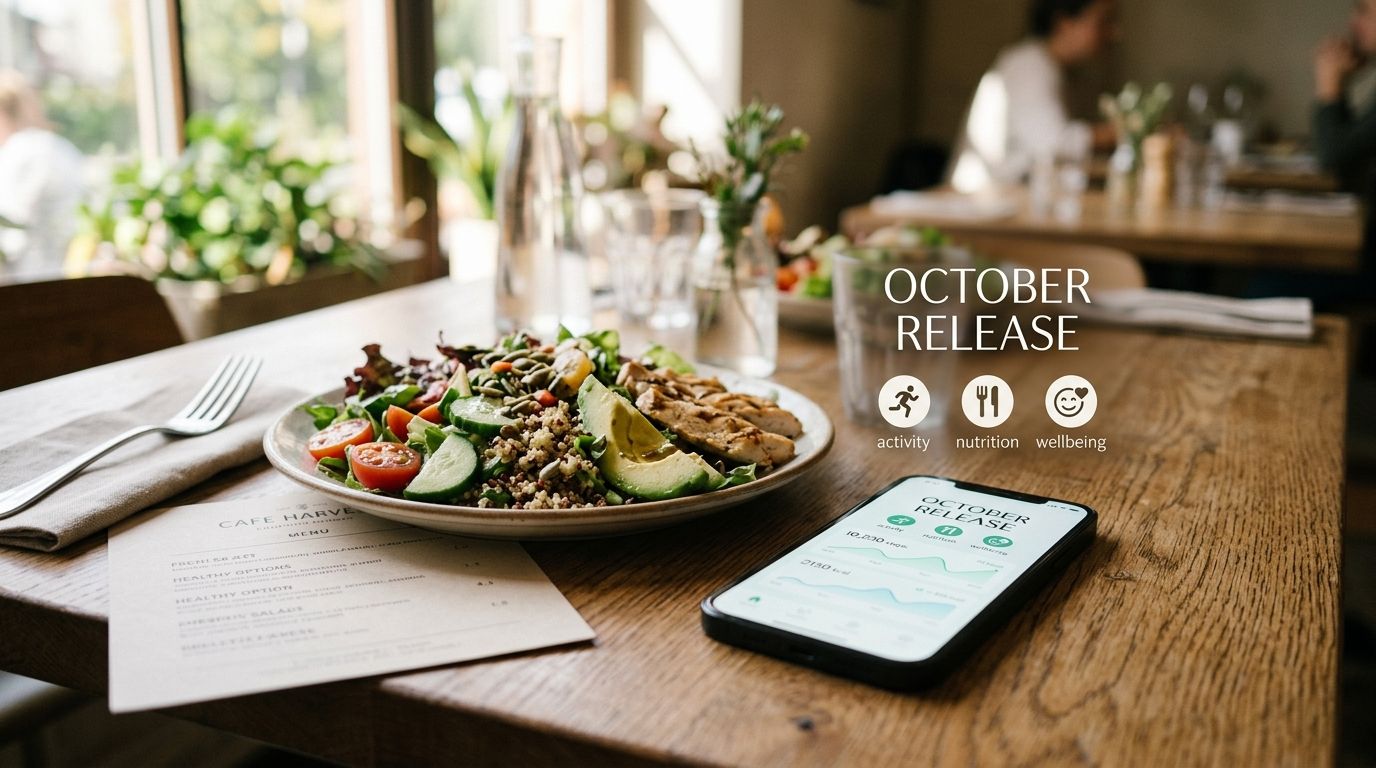
The GlucoSpike October release brings powerful new tools designed to take the guesswork out of eating out and logging your daily habits. You can now screenshot a delivery menu or snap a photo of a physical menu to see instant predictions for which dishes support stable blood sugar. We have also overhauled our AI chat interface, simplified meal management, and introduced a unified creation button. Use all of these new capabilities starting today in the latest app update. Learn more about what changed in detail below.
How does menu photo scanning work?
Deciding what to order at a restaurant can feel stressful when you want to avoid sharp blood sugar spikes. With our new menu photo feature, you can snap a picture of any printed menu or upload a screenshot from apps like DoorDash or UberEats. To keep decision fatigue low and eliminate mental load, the scanning tool immediately highlights your top 3 options that best support glucose stability.
The AI looks at ingredient combinations, typical preparation methods, and estimated macro balance. Instead of scanning through long lists of options on your own, you get an immediate visual breakdown of the top 3 meals that fit your targets.
What is new in the AI chat experience?
We refined the AI chat interface to make conversation threads cleaner and easier to read on mobile screens. We also added direct actions inside the chat so you can turn recommendations into logged entries without switching tabs.
- Instant meal logging: When you describe a meal in chat, tap 'Log it' to save that entry directly to your daily log.
- Direct activity tracking: You can now log a walk or exercise session straight from the conversation prompt.
- Clearer typography: Chat messages use improved spacing and layout for fast scanning while cooking or eating.
A unified way to log from anywhere
We added a permanent action button in the bottom navigation bar so you can capture food and activities faster. Tapping this button opens a simple menu where you can choose how you want to input your data.
- Snap a photo of your plate or a physical menu.
- Scan a barcode on packaged food items.
- Type out meal details manually using plain English.
Easier meal editing and reorganized navigation
Managing your daily timeline should not require digging through menus. We updated our core layouts to give you faster access to account settings and past entries.
Account settings have moved to the top corner of the Home screen for quick access. We also refined the meal details view so you can move an entry to a different time, repeat a favorite meal with one tap, or delete a duplicate entry without leaving your timeline.
Dedicated scan history and filter options
Past barcode and image scans now live in a separate, dedicated screen. You can search through previous items, apply filters based on predicted glucose impact, and re-log frequent foods in seconds.
Along with these visual updates, this release includes background bug fixes that improve app launch speed, optimize image processing, and resolve minor sync delays.
Frequently asked questions
Does GlucoSpike measure blood sugar directly through the camera?
No, GlucoSpike does not measure blood sugar directly. The app uses advanced AI to estimate and predict the potential glucose impact of meals based on food composition, ingredient breakdown, and user data.
Can I upload screenshots from any food delivery app?
Yes, you can upload clear screenshots from any delivery platform or browser. The AI extracts text from the photo to analyze ingredients and provide predicted impact scores for listed dishes.
How do I move a meal to a different time in the app?
To move a meal to a different time, tap on the logged meal entry in your timeline, select the edit option, adjust the timestamp, and save your changes.
"Sugar-free" doesn't mean spike-free. Scan it and know.
The GlucoSpike app includes a barcode scanner — point your camera at any packaged product and get an instant GS Score showing how it will hit your blood sugar, plus what to grab instead. Product data comes from Open Food Facts, a public nonprofit database: 4M+ products, 150+ countries. Your first 7 scans every week are free.


7 free scans a week · No credit card · See how it works →